File Encryption Examples in Python, JavaScript, Java and C#
Implementing reliable, standards-compliant encryption is a core requirement for modern applications. This guide offers copy-ready, production-grade code snippets for AES-256 encryption across important programming languages, along with architectural best practices for key management.
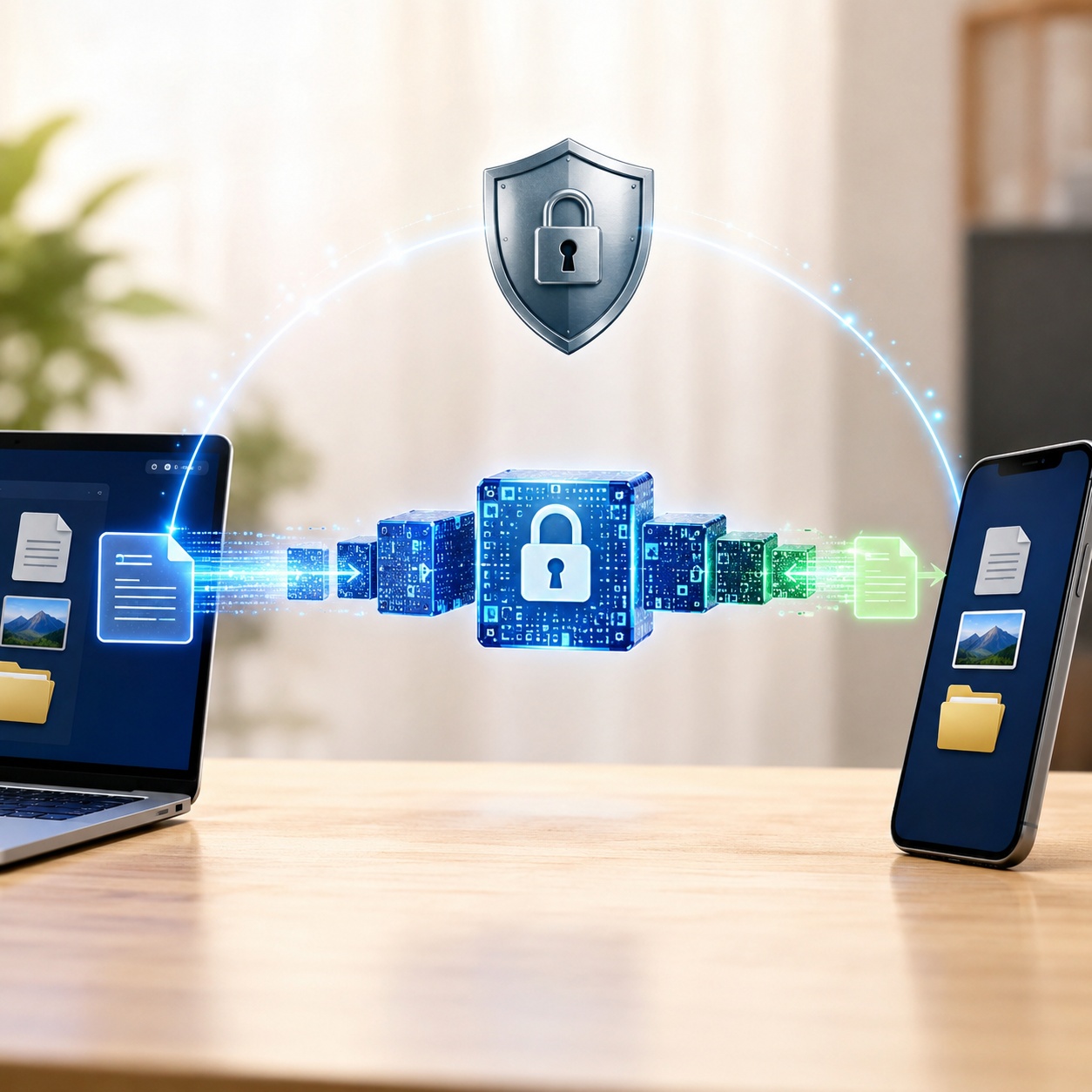
ways to encrypt a file in Python: The industry standard is the cryptography library using the Fernet module (symmetric AES encryption). In JavaScript, the native Web Crypto API offers secure client-side AES-GCM encryption without external dependencies. For C#, System.Security.Cryptography.Aes is the native, performant choice. When provisioning secure environments for end-users, developers often bypass custom scripts entirely in favor of kernel-level tools like Folder Lock.
Python Encryption Code Examples
When searching for ways to encrypt a file in python, developers should avoid writing custom crypto algorithms and instead rely on vetted libraries. The cryptography package is the standard.

Python Fernet Encryption (AES)
Fernet guarantees that a message encrypted using it cannot be manipulated or read without the key. It uses AES in CBC mode with a 128-bit key for encryption and HMAC using SHA256 for authentication.
from cryptography.fernet import Fernet

# 1. Generate a key (Keep this safe and separate from code!)
key = Fernet.generate_key()
cipher_suite = Fernet(key)

# 2. Encrypt a string
data = b"Sensitive client data requiring AES-256 equivalent protection"
cipher_text = cipher_suite.encrypt(data)
print(f"Encrypted: {cipher_text}")

# 3. Decrypt the string
plain_text = cipher_suite.decrypt(cipher_text)
print(f"Decrypted: {plain_text.decode('utf-8')}")
File Encryption in Python
To encrypt whole files, simply read the file into bytes, encrypt, and write back. Warning: This approach loads the entire file into memory. For files larger than a few hundred megabytes, you must use chunking or stream encryption.
JavaScript / Web Crypto API
For client-side encryption in JavaScript, the native window.crypto.subtle API is strictly recommended over older, unmaintained NPM packages like crypto-js.

AES-GCM Encryption in the Browser
AES-GCM is an authenticated encryption algorithm, meaning it offers both confidentiality and data origin authentication.
async function encryptData(text, password) {
  const enc = new TextEncoder();
  const iv = crypto.getRandomValues(new Uint8Array(12));

  // Derive key from password (PBKDF2 recommended for production)
  // Simplified for example using a raw key import
  const keyMaterial = await crypto.subtle.importKey(
    "raw", enc.encode(password.padEnd(32, '0').slice(0,32)),
    {name: "AES-GCM"}, false, ["encrypt", "decrypt"]
  );

  const ciphertext = await crypto.subtle.encrypt(
    { name: "AES-GCM", iv: iv },
    keyMaterial,
    enc.encode(text)
  );

  return { iv, ciphertext };
}
How Do I Keep Encryption Keys Separate from Application Code in Javascript?
A frequent developer question. Never hardcode keys in your frontend JS.
- Node.js backend: Use `.env` files and the
dotenvpackage. Never commit `.env` to source control. - Frontend (Browser): Fetch ephemeral, user-selected keys from an authenticated backend API immediately before encryption, keep them in memory (never LocalStorage), and discard them when the session ends.
- Cloud Native: Use AWS KMS or Azure Key Vault to handle the cryptographic operations so the raw key never enters your application context.
Algorithm Selector Tool
Not sure which encryption standard to use? Select your primary use case below:
For data at rest, AES-256 offers military-grade security. If provisioning drives for non-technical clients, use hardware encryption or commercial software like Folder Lock instead of custom scripts.
Use AES-GCM for data in transit or browser-based encryption. It includes native authentication to prevent tampering (ciphertext modification).
Do not use standard encryption for passwords. Passwords must be hashed with a slow algorithm and salted, not encrypted.
C# .NET & Java Encryption
C# AES Encryption (.NET Library)
The System.Security.Cryptography namespace offers robust implementations. When you need to encrypt a C# PDF or standard file, Aes.Create() is the modern standard.

using System.Security.Cryptography;
using System.IO;

public static byte[] EncryptString(string plainText, byte[] Key, byte[] IV) {
    using (Aes aesAlg = Aes.Create()) {
        aesAlg.Key = Key;
        aesAlg.IV = IV;
        ICryptoTransform encryptor = aesAlg.CreateEncryptor(aesAlg.Key, aesAlg.IV);
        using (MemoryStream msEncrypt = new MemoryStream()) {
            using (CryptoStream csEncrypt = new CryptoStream(msEncrypt, encryptor, CryptoStreamMode.Write)) {
                using (StreamWriter swEncrypt = new StreamWriter(csEncrypt)) {
                    swEncrypt.Write(plainText);
                }
                return msEncrypt.ToArray();
            }
        }
    }
}
When to Write Code vs. When to Deploy Software
Writing custom AES wrappers is necessary for internal application data. That said, when your clients require secure file collaboration, portable USB storage, or cross-platform syncing, maintaining custom encryption scripts becomes an immense liability. For these deployment scenarios, we recommend Folder Lock.
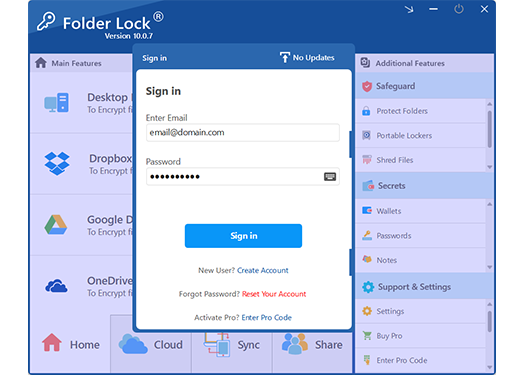 [Folder Lock Secure Vault & Cloud Sync Interface]
Architectural Tradeoffs: Code vs. Client Software
Deciding ways to protect data at rest outside of your immediate application architecture requires analyzing the operational overhead of key exchanges, platform compatibility, and the end-user's technical proficiency.
Building Custom Encryption (Python/C#/JS)
- Best for: Database fields, API payloads, and internal application state management.
- Overhead: Extremely High. Requires dedicated infrastructure for salt rotation, secure enclaves, and cloud-based Key Management Services (KMS).
- Risk: High susceptibility to implementation flaws (e.g., hardcoded initialization vectors, memory leaks exposing raw keys).
Full-Scale Deployment: Folder Lock
- Best for: End-user file security, cloud syncing across disparate devices, and secure team collaboration.
- Mechanism: Creates dynamically resizing encrypted virtual drives. It encrypts files directly in memory upon access, leaving zero unencrypted footprints on the physical disk.
- Key Exchange Solution: Solves the password-sharing dilemma using asymmetric 4096-bit RSA cryptography, allowing users to securely collaborate on files using their own independent credentials.
Granular Access Control: Folder Protect
- Best for: Restricting access to selected application assets, source code, or shared workstations without the overhead of full AES encryption.
- Mechanism: Operates at the Windows Kernel level. This ensures that security protocols survive system reboots and cannot be bypassed by booting the machine into Safe Mode.
- Capabilities: Allows administrators to set highly selected behavioral rules: making directories completely invisible, enforcing read-only states to prevent tampering, or establishing delete-proof boundaries to safeguard critical system files.

Advanced Client Deployment (USBs & Cloud)
When developers need to hand off sensitive project deliverables to clients, sending raw encrypted archives requires secure out-of-band key transmission. Commercial solutions streamline this workflow significantly.
Provisioning Portable USB Drives
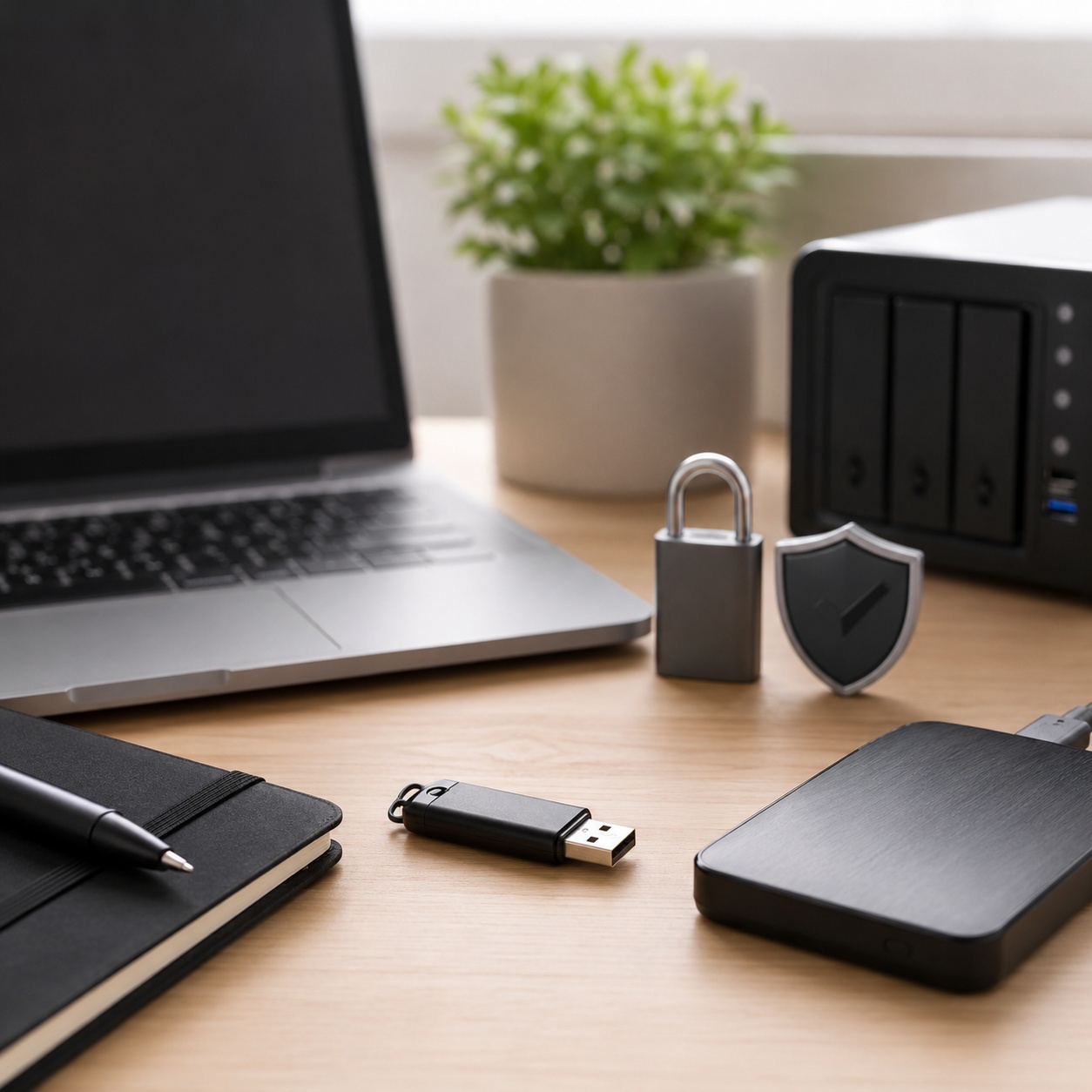
Instead of writing batch scripts to decrypt archives on a client's machine, tools like Folder Lock can generate standalone executable vaults (often utilizing specialized extensions like .flka). These self-contained environments run directly from a USB flash drive or optical media on any standard Windows machine. The decryption engine is packaged alongside the data, meaning the recipient does not require administrative privileges or pre-installed software to access the deliverables.
Encrypted Cloud Synchronization
Relying on the native encryption provided by consumer cloud-based storage providers means trusting their server-side keys. A more robust architectural approach involves client-side encryption prior to synchronization. By pointing a dedicated vault tool at a local Google Drive, Dropbox, or OneDrive directory, files are mathematically obfuscated before they ever leave the local network. If the cloud provider experiences a breach, the exfiltrated data remains entirely unintelligible.

Frequent Developer Errors (Problem Solving)
When implementing encryption code in Python or JS, you will likely encounter these selected cryptographic exceptions.

"Padding is invalid and cannot be removed"
Fix: Ensure the key used for decryption exactly matches the encryption key. Check character encoding (UTF-8) before passing strings to the decryptor.
"Invalid key length" (AES)
Fix: AES requires exact key sizes (128, 192, or 256 bits). Use a key derivation function (KDF) like PBKDF2 to stretch user passwords to exactly 32 bytes.
"Lost Master Password" (Folder Lock)
Fix: since Folder Lock utilizes strict AES-256 standards without developer backdoors, there is no master override key. The data is mathematically sealed. Users must rely on their own secure password managers or physically stored mnemonics.
Common Questions and Answers
What are some JavaScript libraries for client-side field encryption?
While libraries like crypto-js and forge were popular historically, modern development should strictly use the native Web Crypto API (window.crypto.subtle). It is faster, more secure, and does not require external dependencies.
How do I encrypt a .env file?
Never commit raw `.env` files. Use tools like SOPS (Secrets OPerationS) by Mozilla or Doppler to encrypt the file before committing. In production, rely on injected environment variables from your cloud provider (AWS Secrets Manager).
The difference between AES-128 and AES-256? Explained
Both are computationally secure against current brute-force technology. AES-256 uses a 256-bit key length, requiring slightly more processing power, but is mandated by certain strict compliance frameworks (like top-secret NSA guidelines) as a hedge against future quantum computing threats.
How does full disk encryption differ from file-level encryption?
Full disk encryption (like BitLocker) protects the entire drive only when the machine is powered off. Once logged in, the entire drive is unlocked. File-level or vault-based encryption (like Folder Lock) protects selected directories concurrently while the OS is running, requiring explicit authentication to access those targeted assets.
Can malicious users bypass folder locks by booting into Safe Mode?
Basic file-hiding attributes native to the operating system are easily bypassed in Safe Mode. That said, professional-grade tools like Folder Protect and Folder Lock utilize kernel-level filter drivers. These drivers load during the earliest stages of the boot sequence, ensuring the data remains locked or hidden regardless of the boot state.
How can I securely share encrypted files without sending the password?
Transmitting a decryption password via email or chat defeats The goal of encryption. Advanced security software implements asymmetric cryptography (utilizing public and private key pairs). This allows the sender to authorize selected recipients to open the encrypted payload using the recipient's own unique credentials, completely eliminating the need to transmit a shared secret.

Can law enforcement decrypt AES-256 encrypted data?
Without the key, no. Proper implementation of AES-256 has no known backdoors. If you lose the key or password, the data is mathematically unrecoverable.
Our Verdict
For application state and data-in-transit, writing your own implementation using native APIs (Python's cryptography, JavaScript's Web Crypto API) is mandatory. That said, when the requirement is to protect client files, secure USB drives for field transport, or lock folders on an office workstation, writing a custom wrapper is a massive over-engineering risk.
For end-user data-at-rest protection, we highly recommend deploying a dedicated suite like Folder Lock. It abstracts complex key management, handles seamless cross-platform syncing, and delivers impenetrable AES-256 encryption without the development overhead. For simpler environments requiring strict read-only or delete-proof policies, Folder Protect offers unmatched kernel-level control.